
You’ve probably heard the term “root” in the world of gadgets, especially smartphones. But what exactly is smartphone rooting? Well, in this article, I’ll explain how to root smartphones from various brands, the benefits and risks of rooting, popular apps for rooting, and other important tips.
What Is Rooting and What Does It Do on a Smartphone?
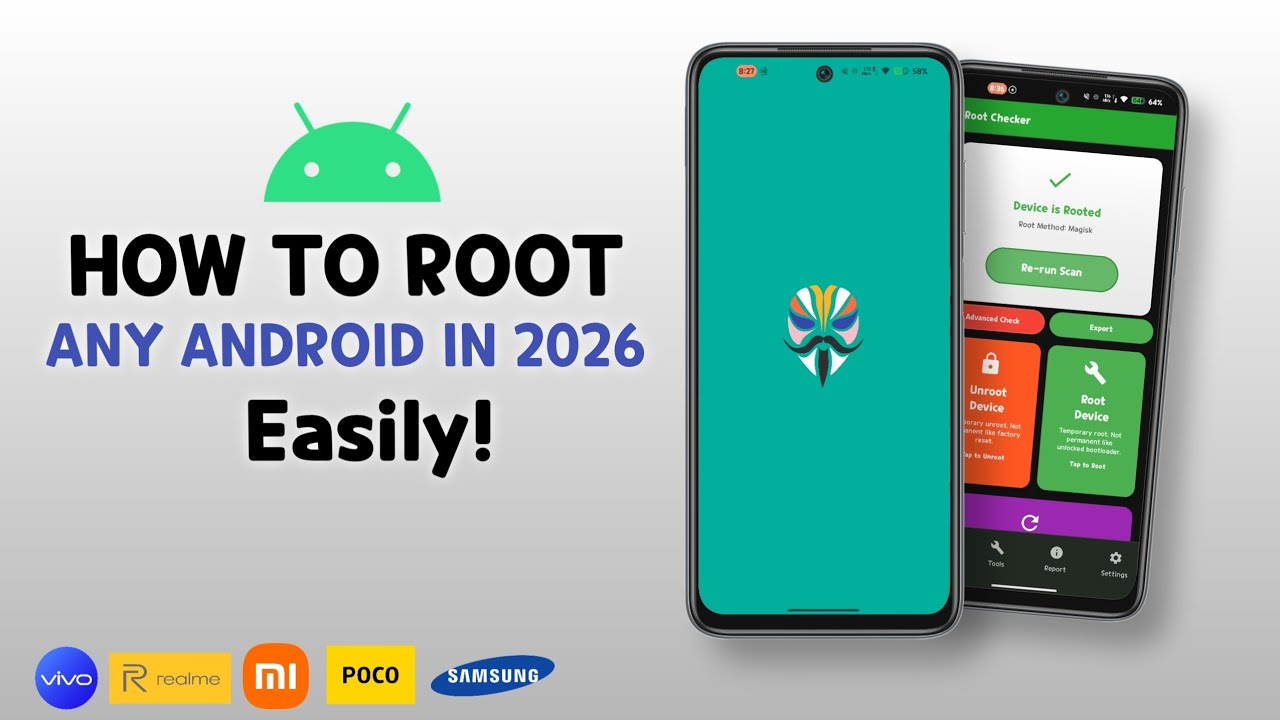
Rooting a Smartphone is like granting superuser access to the user. By default, a phone’s software has certain restrictions that are beneficial for the device’s security and stability. However, by rooting your phone, you can access the system and make modifications as you please. You can also install apps that require root access, uninstall pre-installed apps that can’t be uninstalled otherwise, and much more.
The Benefits and Risks of Rooting a Smartphone
Before deciding to root your Smartphone, you need to understand both the benefits and the risks involved in this process. With a clear understanding, you’ll be able to make a wise decision before you start rooting your Smartphone.
Benefits:
Greater Access: You can access settings and features that are usually restricted.
Remove Bloatware: You can remove bloatware—pre-installed apps that are sometimes unnecessary.
Freedom to Customize: You’re free to customize the ROM or tweak your phone’s performance.
Risks:
Warranty Voided: Rooting your phone usually voids your product warranty.
Increased Security Risks: Your phone becomes more vulnerable to malware or viruses if you’re not careful.
Potential for Bricking: One wrong move can cause your phone to “brick” or become completely unusable.
How to Root a Smartphone by Brand
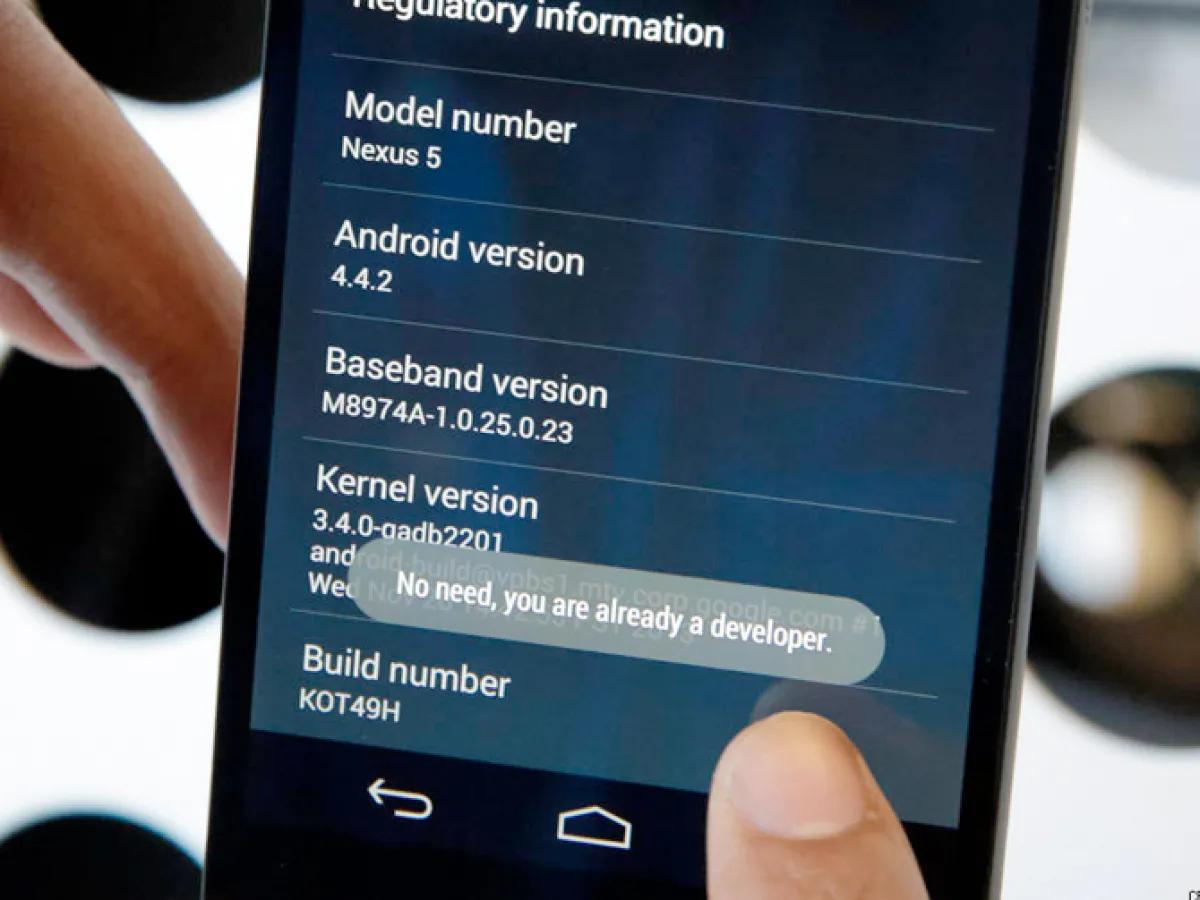
Before we dive deeper into popular apps for rooting phones, it’s a good idea to know how to root a Smartphone based on the following brands:
1. How to root a Samsung
- Download and install a rooting app like Odin or CF-Auto-Root.
- Put your phone into Download Mode (usually by pressing Volume Down, Home, and Power simultaneously).
- Connect your Smartphone to your PC and run Odin, then flash the CF-Auto-Root file.
- Wait for the process to finish, and your Smartphone will reboot automatically.
2. How to root a Xiaomi
- Download and install the Mi Unlock Tool and TWRP recovery.
- Enter Fastboot mode (Volume Down + Power).
- Run the Mi Unlock Tool on your PC and follow the instructions.
- After unlocking, flash TWRP recovery and install the Magisk ZIP file to root the device.
3. How to root an Oppo
- Download and install the KingRoot app on your Smartphone.
- Open the KingRoot app and click “Start Root.”
- Wait a few minutes for the process to complete.
4. How to root a Vivo
- Download and install the iRoot app on your PC and Smartphone.
- Connect your phone to your PC and run iRoot on your PC.
- Click “Root” and follow the on-screen instructions.
5. How to root a Realme
- Unlock the bootloader using the Realme Unlock Tool.
- Install TWRP recovery via Fastboot Mode.
- Flash the Magisk ZIP file to root your phone.
6. How to root an Asus
- Download and install the ASUS Flash Tool.
- Enter Fastboot Mode (Volume Up + Power).
- Flash a root file compatible with your phone model using the ASUS Flash Tool.
- Reboot your Smartphone once the process is complete.
Popular Apps for Rooting Smartphone
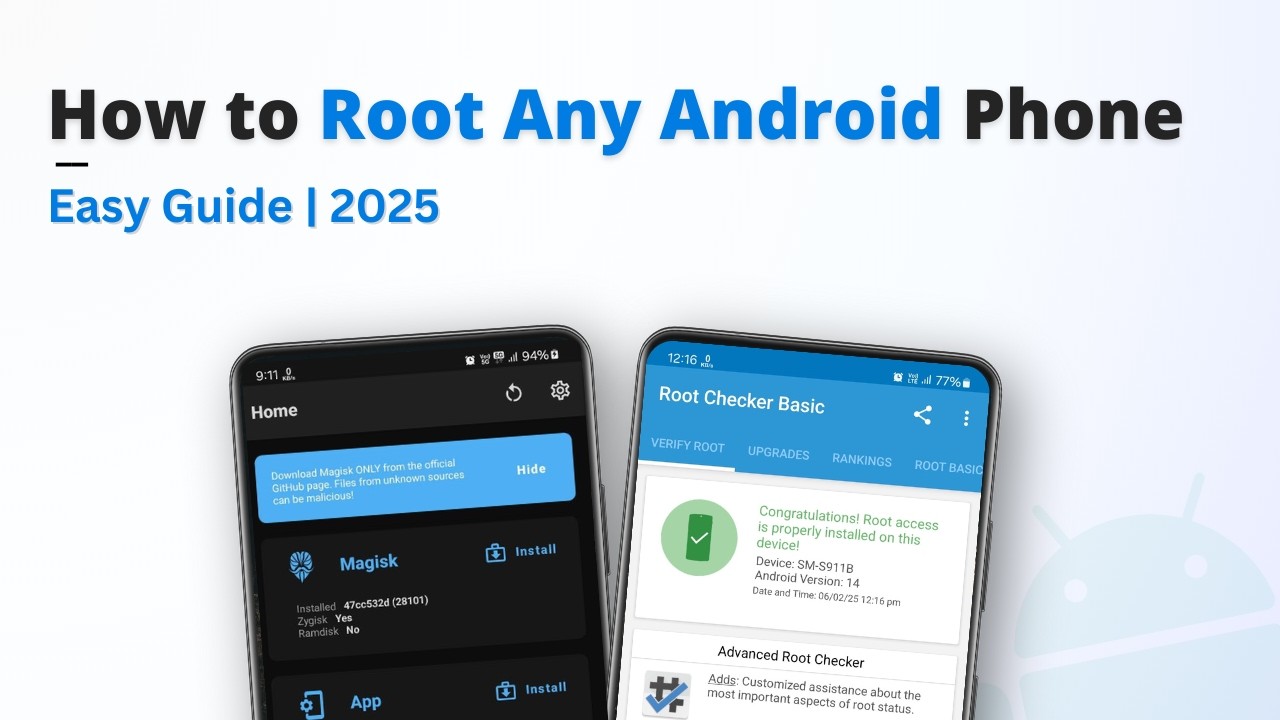
Some popular apps commonly used to root Smartphone include KingRoot, Magisk, SuperSU, and CF-Auto-Root. Each app has its own advantages and different methods of use. You can choose the one that best suits your Smartphone and your needs.
Tips for Rooting Your Smartphone
- Back Up Your Data: Always back up your data before starting the rooting process, just in case something goes wrong.
- Read Tutorials: Make sure you’ve read plenty of tutorials or watched videos so you don’t make any mistakes.
- Fully Charged Battery: Make sure your phone’s battery is fully charged to prevent it from shutting down during the rooting process.